
Silver
Live TV and the on-demand library in Full HD on one screen.
AED149per year
Was AED 229
- 40,000 live channels with EPG
- 90,000 films & series on demand
- Full HD streams
- 1 device
Picture quality guide · Ultra-HD
4K IPTV can look superb on a big screen, but only when the plan, the device, the cable, the TV settings and the connection all line up. This guide walks through each of those links, so you know what to expect before you pay for Ultra-HD.
Plans
Gold 4K and Platinum Lifetime include 4K IPTV where the source provides it. Silver is Full HD. Prices are on the plans and prices page.
Live TV and the on-demand library in Full HD on one screen.
AED149per year
Was AED 229
Recommended
The bigger library in 4K, with 3-day catch-up.
AED269per year
Was AED 389
One payment. Dedicated server, up to four screens.
AED1,149one-time
Was AED 1,799
More screens, or pay once
Login details by email, usually within 5–30 minutes.
The basics
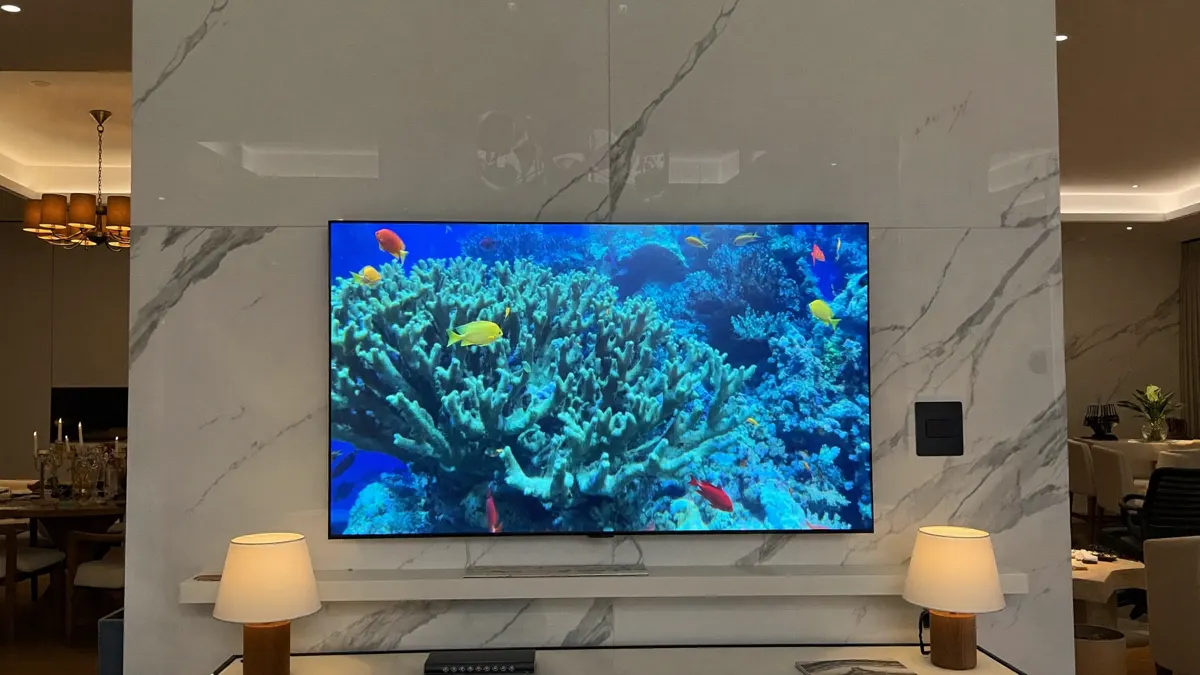
A 4K frame holds 3,840 by 2,160 pixels, four times the count of Full HD. On a 55-inch television or larger, seen from a normal sofa, the difference shows in fine detail: blades of grass on a pitch, small print on a scoreboard, the weave of a costume in a period drama.
4K IPTV delivers that picture over the internet rather than by dish or aerial. The service sends a compressed stream, your device decodes it and the TV displays it. Every link in that chain must handle Ultra-HD, or the picture falls back to Full HD.
Be clear on one point about 4K IPTV: not every channel is made in 4K. Many live channels worldwide are produced in Full HD or HD, and no service can turn those into true 4K. Ultra-HD turns up most in big sport events, some entertainment channels and films in the library.

Miss any one of these and you get Full HD instead of Ultra-HD.
Only the two upper tiers carry Ultra-HD streams; the entry tier is Full HD by design.
A line that holds its speed, with headroom per Ultra-HD set once phones and laptops are counted.
A 4K Fire TV Stick, an Ultra-HD Android box, Apple TV 4K or a recent television’s own app.
Older cables can cap the signal. Use one rated for 4K, in an input that supports it.
Check both the TV and the device so neither is stuck at 1080p.
Bandwidth
Budget roughly 15 Mbps, held steadily, for every television playing Ultra-HD simultaneously. Two 4K screens therefore want around 30 Mbps, plus whatever the rest of the household is doing. Full HD needs a fraction of that, depending on the channel.
Steadiness matters more than the headline figure. A line that bursts to 500 Mbps but sags whenever the neighbours’ Wi-Fi crowds the air is worse for 4K IPTV than a dull, dependable 50. A cable from router to streamer takes that variable away.
Data adds up, too. An hour of 4K IPTV at that rate uses roughly six to seven gigabytes. On unlimited home fibre it makes no difference; on a capped mobile package it can drain the allowance within a few evenings.
A quick guide to which picture fits which screen.
| Full HD | 4K Ultra-HD | |
|---|---|---|
| Resolution | 1,920 × 1,080 | 3,840 × 2,160 |
| Bandwidth per screen | Light | About 15 Mbps, steady |
| Screen size where it shows | Up to about 50 inches | 55 inches and above |
| Plans | Silver, Gold 4K, Platinum | Gold 4K, Platinum |
| On 4G or capped data | Comfortable | Possible, but heavy |
| Availability | Most channels | Selected channels and titles |
Sport
Fast sport shows off 4K IPTV more than anything. In football you can read shirt numbers across the pitch and follow a long diagonal ball. In cricket the seam and the shadows on the wicket become visible. F1 cars stay crisp through the corners, and the texture of a clay or grass court jumps out.
Big tournaments and headline league fixtures are more and more often produced in 4K, and where those feeds exist they appear in the sport section on Gold 4K and Platinum. Other matches come in Full HD, which still looks very good on a modern set. Whatever the resolution, live sport is where a steady connection counts most.
A typical week in the sport section
Films
Much of the 4K IPTV material lives in the on-demand library. Many recent films and premium series are available in Ultra-HD, and some carry HDR, which widens the range between the darkest and brightest parts of the image. On a good TV, HDR can matter more than the extra pixels.
Gold 4K carries 200,000 films and episodes and Platinum more than 250,000. Not all of them are 4K; older titles are usually HD or Full HD. Most players show a quality label in the title or on the details screen. For film nights, switch off the TV’s motion smoothing. It makes cinema look like a soap opera, and it is one of the commonest reasons people feel Ultra-HD looks wrong.
Devices
The 4K Fire TV Sticks, certified Google TV and Android TV boxes, Apple TV 4K and most televisions sold in the last few years decode 4K IPTV streams without strain. Older or bargain boxes may print 4K on the packaging and still stutter or overheat on real 4K IPTV streams.
Look for at least 2 GB of memory, support for the main streaming video formats, and a network port or a strong Wi-Fi 5 or 6 chip. If you are about to buy, our guide to choosing an IPTV box compares the options. IPTV Smarters Pro, TiviMate, XCIPTV and IBO Player all play 4K IPTV streams on capable hardware.
Upscaling
A 4K television upscales lower-resolution pictures to fill its panel. Good upscaling makes a Full HD channel look surprisingly crisp, which is why some viewers cannot tell true Ultra-HD from well-produced Full HD at normal distance.
Upscaling cannot invent detail that was never captured, though. A low-bitrate HD channel will still look soft; the TV only smooths edges and hides pixels. Try a cinema or filmmaker mode for films and a standard mode for sport, since vivid or dynamic modes tend to oversharpen. Judge a 4K IPTV service on content that really is 4K, such as big sport events or titles labelled 4K, rather than on a news channel.
Most 4K IPTV problems trace back to one link in the chain. Start at the top and work down.
| What you see | Likely cause | What to try |
|---|---|---|
| Sharp on some channels, soft on others | Those channels are made in Full HD or HD | Look for the 4K label in the guide or the library; nothing on your side is wrong |
| Everything looks like Full HD | The device or the TV is outputting 1080p | Set the device’s display resolution to 4K and pick the TV’s HDMI input that supports it |
| Picture flickers or goes black for a second | Cable or HDMI port not up to 4K, or enhanced HDMI switched off | Swap in a high-speed HDMI cable and turn on the TV’s enhanced signal option for that port |
| Sharp, but pauses to buffer | Wi-Fi congestion or not enough spare bandwidth | Wire the streamer to the router, pause big downloads, and drop that one channel to its Full HD feed while the network is busy |
| Only one channel misbehaves | A problem with that stream | Tell us on WhatsApp which channel and which device, and we check that stream |
Gulf homes
Large televisions are common in the Gulf, and many lounges have a 65-inch or 75-inch set. That is exactly where 4K IPTV makes the clearest difference. Most fibre packages in the Emirates comfortably exceed what one or two Ultra-HD streams need, so the real limit is usually the Wi-Fi inside the home.
In towers, dozens of neighbouring networks compete for the same airwaves. In villas, distance and thick walls weaken the signal between floors. A cable, a powerline adapter or a mesh point near the TV solves both. Our notes for Dubai towers and villas have more local tips, and readers curious about the protocols can find them in the Wikipedia article on IPTV.
Next step
4K IPTV pays off when three things are true: the main TV is 55 inches or bigger, you sit within two or three metres of it, and the connection is steady. Then the extra detail is obvious, above all in sport and recent films.
On a 43-inch bedroom set, a phone or a capped mobile connection, Full HD looks almost the same and uses far less data. That is why Silver is Full HD and still carries every channel category. Many homes mix the two: an IPTV 4K plan for the lounge and Full HD chosen in the player for the other rooms.
Still undecided? Send us the TV model, the streaming device and a speed test on WhatsApp, and we will say plainly whether 4K IPTV is worth paying for in your setup.