Silver
Live TV and the on-demand library in Full HD on one screen.
AED149per year
Was AED 229
- 40,000 live channels with EPG
- 90,000 films & series on demand
- Full HD streams
- 1 device
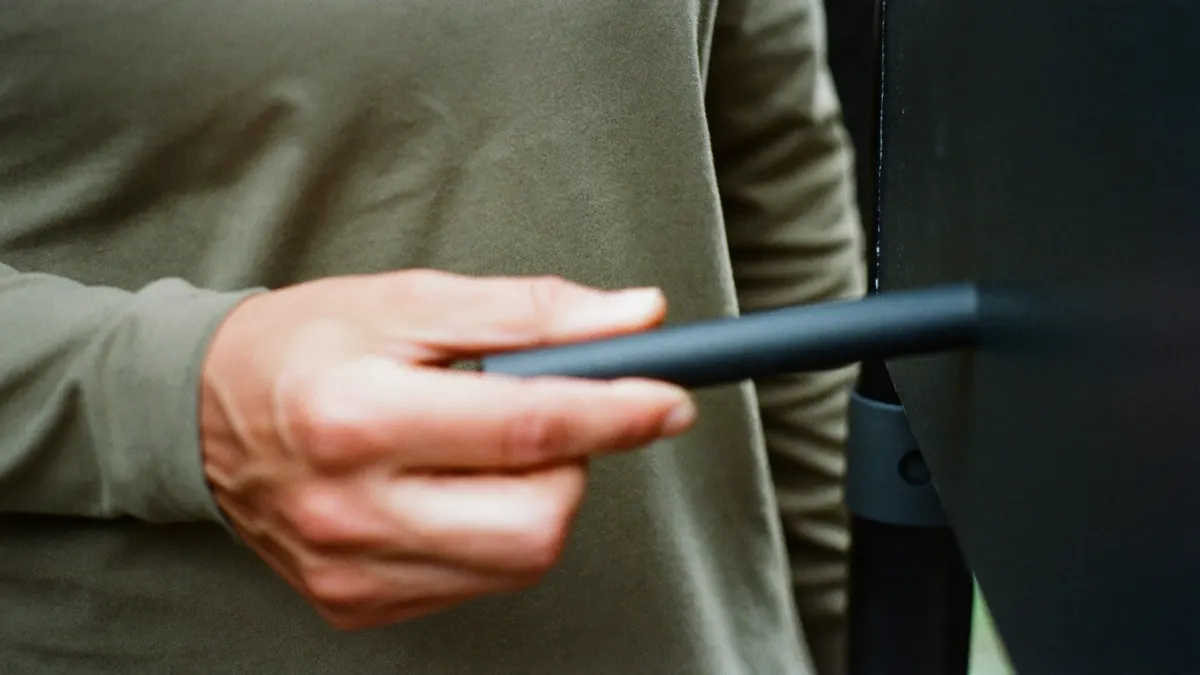
Device guide · Amazon Fire TV
The Fire TV Stick is the streaming device we meet most often in the Emirates, in villas and studio flats alike. This Firestick IPTV guide covers which model to buy, the one setting Amazon keeps out of sight, installing a player, signing in, and keeping the stick quick once it has a few months of apps on it.
Why the stick
It is small, inexpensive, stocked by hypermarkets and electronics shops across the country, and it disappears behind any television with an HDMI port. A landlord’s ageing TV, a spare set in the guest room, a hotel-apartment screen: plug it in and the set gains a modern menu and a voice remote. No wonder Firestick IPTV questions outnumber every other device in our chats.
It also runs the two players we recommend most, and both accept our login without fuss. Order from our plans page and the details usually land in your inbox before the stick has finished its first software update.
Which model
The HD sticks output Full HD and carry less memory. They manage Silver on a bedroom set but feel sluggish with a long channel list and several days of listings. The 4K stick adds Ultra-HD and more headroom; the 4K Max is quicker again and adds newer Wi-Fi, which helps in towers where dozens of routers compete.
Buy for the plan you will want next year, not only the one you want today. The 4K Max costs a little more than the basic stick and suits Gold 4K and Platinum from the first evening. For Firestick IPTV on a main lounge TV, it is the model we suggest most often.
Names differ slightly by generation; Settings, then About, shows yours.
| Silver (Full HD) | Gold 4K | Platinum Lifetime | |
|---|---|---|---|
| Fire TV Stick Lite / HD | Yes | Full HD only | Full HD only |
| Fire TV Stick 4K | Yes | Yes, 4K | Yes, 4K |
| Fire TV Stick 4K Max | Yes | Yes, 4K | Yes, 4K |
| Fire TV Cube | Yes | Yes, 4K | Yes, 4K |
This walkthrough is written for sticks on Fire OS. Amazon renames menus between updates, so follow the idea when a label differs.
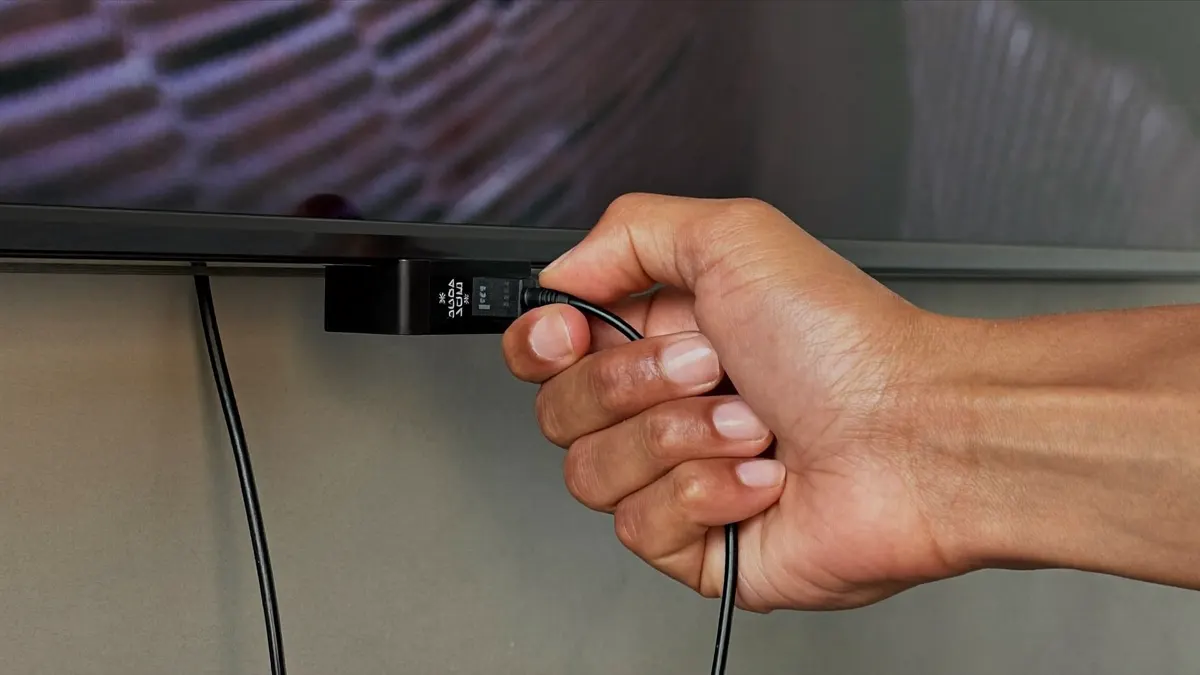
Plug in the stick and its power adapter, join the Wi-Fi, sign in with an Amazon account, and allow any pending system update to install before going further.
In Settings, open My Fire TV and then About. With the device name highlighted, keep pressing select (roughly seven presses) until Fire OS confirms developer mode.
In Amazon’s app store, search for a downloader utility and install it.
Back in My Fire TV, the new developer section lists apps allowed to install unknown software. Switch it on for the downloader only.
Enter the official web address of the player you chose and install the file the downloader retrieves.
In the player, pick the Xtream codes login. The welcome email’s server line goes in first, http:// and port included, then username and password.
Let the downloader delete the installer file, and move the player to the front of your apps row.
Login refused at step six? The failed to authorize checklist covers every player on the stick.
Which player
Both are solid choices for Firestick IPTV and run well on a 4K stick. TiviMate opens straight onto a channel with a satellite-style grid; people moving off a dish usually prefer it. IPTV Smarters Pro uses large tiles for live, films and series, which suits children and grandparents. Install both if you like; the same details sign in to each.
Our TiviMate setup guide goes deeper into the grid-guide player, and the Wikipedia article on Fire TV covers the hardware generations.
Work along the chain. Most problems end at the first or second link.
Peak-hour Wi-Fi is the usual reason. Try the faster band first, then a wired adapter.
Retype the details, check the http:// and the port, close the player on other devices.
Set Display to 4K in the stick’s settings and use the TV’s 4K-capable HDMI port.
Downloader-installed apps update by hand; fetch the new build the same way.
Clear the player’s cache, remove unused apps, give the stick some air.
Connection
There is no network socket on the stick, so most people stay wireless. That works for Full HD when the router sits in the same room or one wall away. For 4K, or a TV at the far end of a villa, the wired adapter Amazon sells for Fire TV is the cheapest upgrade available: it sits on the power lead and gives the stick a cable link.
Where no cable can reach, pick the router’s faster band, the one marked 5G or 5 GHz in the network list, and lift the router out of cupboards and off the floor. For Firestick IPTV on Gold 4K, plan for about 15 Mbps free while the stick plays.
Staying quick
A stick has little storage and modest memory, and Firestick IPTV slows down when either fills. Every couple of months, open Settings, then Applications, then Manage installed applications: clear the player’s cache and uninstall anything you never open. If your Fire OS version allows it, switch off the autoplaying previews on the home screen; they burn memory and bandwidth.
Heat matters in a Gulf summer. A stick wedged behind a wall-mounted TV with no airflow throttles itself on a hot evening, so use the short HDMI extender from the box to move it away from the set’s own warmth. A restart now and then helps too: hold select and play together for a few seconds and the stick reboots in under a minute.

Several rooms
Firestick IPTV works across the house: every stick can hold the player and the same login. What matters is how many stream together, never how many you own.
Silver and Gold 4K stream on a single stick; the multi-screen options cover two or three; Platinum Lifetime handles four.
Give the children’s stick a player PIN and each bedroom its own short favourites row.
Plans
For Firestick IPTV, Silver suits an HD stick. Gold 4K and Platinum need a 4K or 4K Max model to show Ultra-HD.
Live TV and the on-demand library in Full HD on one screen.
AED149per year
Was AED 229
Recommended
The bigger library in 4K, with 3-day catch-up.
AED269per year
Was AED 389
One payment. Dedicated server, up to four screens.
AED1,149one-time
Was AED 1,799
More screens, or pay once
Login details by email, usually within 5–30 minutes.
5 questions
Still unsure? Our team replies on WhatsApp 7 days a week.
Ask a questionIt is when the player comes from its developer’s official address and only the downloader is allowed to install outside apps.
Recent Fire OS versions hide them. Open About and press select on the device name about seven times.
Any working account can install the downloader, so Firestick IPTV setup is the same here. The rest of the store’s catalogue can differ by account region.
Rarely. If it vanishes or will not open, reinstall it with the downloader and sign in again with the same details.
Usually, if the set has a free HDMI input and the hotel Wi-Fi does not block streaming. A phone hotspot is a useful test.

IPTV UAE support desk · Written and kept current by the team that answers our WhatsApp line every day.